











The Fortebet app download APK gives Android users direct access to sports betting and casino games without visiting an app store. This installation file can be useful in the Republic of the Congo when Google Play is restricted or unavailable on a particular device. The mobile version is designed for smaller screens, so you can review markets, manage your account, and place bets with an internet connection.
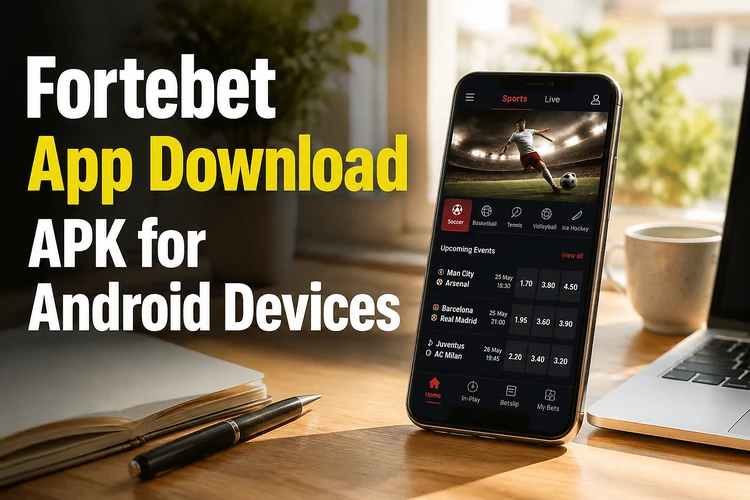
Installation normally takes only a few minutes. After setup, the application can make it easier to follow live events, move between betting markets, and check account activity. It may also provide push notifications for selected updates. Before downloading, make sure the phone has enough free storage and that your connection is stable enough to complete the file transfer.
Benefits of the Fortebet App
A dedicated Android application removes the need to open a browser whenever you want to check odds or review a bet. The interface is arranged for touch controls, with clear sections for sports, casino games, and account management. This can reduce unnecessary page loading, particularly on a phone with a smaller screen or a slower connection.

Live betting is easier to monitor when markets can be opened with a tap while an event is in progress. Account tools are also available from the same mobile interface, allowing you to review your balance and transaction options without switching between several browser tabs. Actual payment availability depends on the account and the methods offered for the region, so check the options shown before confirming a transaction.
What Can You Do in the Fortebet App?
The mobile platform brings the main account and betting tools together. Depending on your account status and regional availability, you can:
- Place pre-match and live sports bets on football, basketball, and other events
- Open casino games such as slots, table games, and live dealer rooms
- Manage account settings and personal information
- Review betting history by date, sport, or settled status
- Make deposits through the payment methods displayed in your account
- Request withdrawals to an eligible registered method
- Receive notifications about selected account or event updates
Use the betting slip to check selections, odds, and the stake before submitting a wager. For live markets, prices can change quickly, and a selection may be suspended while the event is being updated. Review the final confirmation rather than relying on an earlier price. In the casino area, game filters can help you locate a title, but responsible play limits should be set before spending money.
Account verification, password recovery, and transaction records remain important even when using a phone. Keep login details private and avoid saving them on a shared device. If you need to check an existing account, use the login page rather than entering credentials into an unfamiliar pop-up or copied application.
Fortebet App Download APK: Installation Guide
Android may require permission before it can install an APK obtained outside Google Play. The exact wording differs between manufacturers and Android versions, but the following order covers the usual process:
- Step 1: Open a trusted browser and download the APK from the official Fortebet website.
- Step 2: Wait until the download finishes completely, then open the phone's Settings.
- Step 3: Find Security or Privacy settings and allow installation from unknown sources. On newer phones, permission may be listed under Install Unknown Apps for the particular browser.
- Step 4: Open the file from the Downloads folder or notification panel.
- Step 5: Review the installation request and confirm it if the file and source are correct.
- Step 6: Wait for the installation to finish, then open the application from the app drawer.
- Step 7: Log in to your account or complete registration if you are a new user.
Do not interrupt the download or remove the file while installation is in progress. Once the application opens, check that the displayed account details and available sections look normal. You can delete the APK afterward if storage space is limited; removing the installer does not remove the installed application.
Tips for Safe Installation
Use the official website as the source and avoid file-sharing pages, modified packages, or links sent by unknown contacts. An unofficial file may be outdated or contain unwanted software. Check the application name and download details before opening the installer, and scan the file with the security tools available on your phone if you have any doubt.
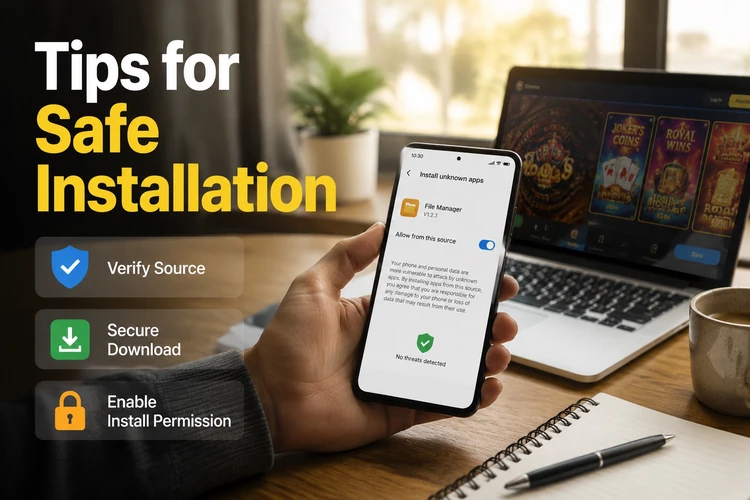
Check the version information before installing and keep the operating system updated where possible. Leave at least 100 MB of free space for the application and temporary files, although the required amount can vary by version and device. A stable Wi-Fi or mobile-data connection helps prevent a partial download. After installation, turn off the unknown-source permission for the browser unless you need it for another trusted installation.
When an update is offered, use the same trusted source and compare the version details before replacing the existing installation. Installing a newer file over the current one will usually preserve the account, but keeping your login details available is sensible in case the application asks you to authenticate again.
Common Installation Problems
If the APK will not install, first delete the incomplete file and download it again. A weak connection, interrupted browser session, or insufficient storage can leave a damaged installer. Free space by removing unused media or applications, restart the download, and keep the phone connected until it completes.
An incompatible Android version can produce a compatibility warning or cause the application to close. The draft requirement is Android 5.0 or newer, but device support can change with later releases, so check the current information provided with the download. If installation is blocked, search Settings for Install Unknown Apps and give permission to the browser that downloaded the file.
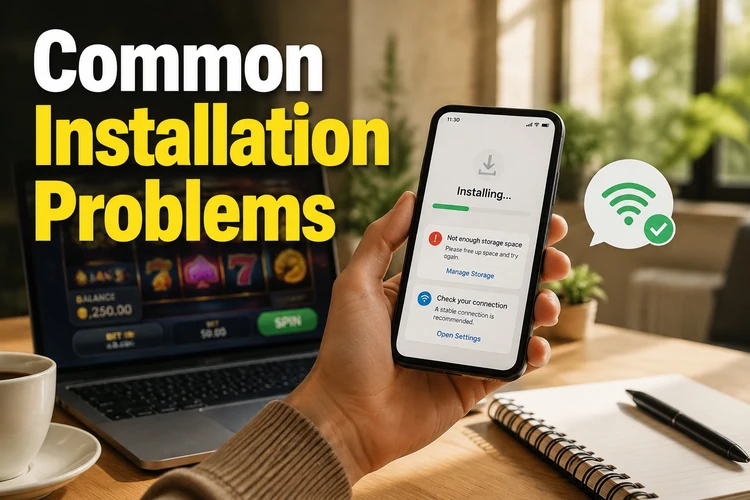
If the app installs but crashes, close other applications, restart the phone, and try again. Persistent problems may come from an old Android build, conflicting security software, or a damaged installation. In that case, remove the application, restart the device, download a fresh file from the trusted source, and repeat the steps. Do not install a modified version to bypass an error.
For payment or login problems after installation, check the connection and confirm that the account details are entered correctly. Never send a password or one-time verification code to someone offering technical help through an unofficial channel. Support details can be checked through the site's contact page.
Frequently Asked Questions
Downloading and installing the application does not require a fee. Deposits or stakes are separate financial transactions, so review the amount and payment details before confirming them.
Yes. When a new version is available, download it from the trusted Fortebet source and install it over the existing version. Keep your login details available and avoid update files from unofficial pages.
No. An existing account can usually be accessed with its current credentials. A new user must complete the registration and any requested verification before using account or betting functions.
Access may be possible on more than one supported device, but avoid sharing credentials and check for security alerts after a new login. If a session behaves unexpectedly, change the password and contact support.
An APK is safer when it comes from the official website, matches the stated application details, and is installed on an updated phone. Avoid modified or copied files, and disable unknown-source permission after setup.
The application includes live markets where they are available for the event and account. Odds can change or markets can be suspended during play, so check the confirmation screen before submitting a bet.