











Your ForteBet account is the personal area where your balance, bet history, deposits, withdrawals and account settings are managed. Before you sign in, the site mainly shows public odds and general information. Account access lets you use the features available to an authenticated betting account.

This guide covers the practical steps for players in the Republic of the Congo: finding the sign-in form, entering the right details, opening a new profile, recovering access after a forgotten password and checking basic security precautions. A phone or computer with a stable connection is normally enough to begin.
How to Access Your ForteBet Account
The sign-in form is available from the header of the official website. On a computer it is usually in the top corner; on a smaller screen it may be inside the menu. The form uses the phone number linked to your account and the password you created, rather than a separate username.
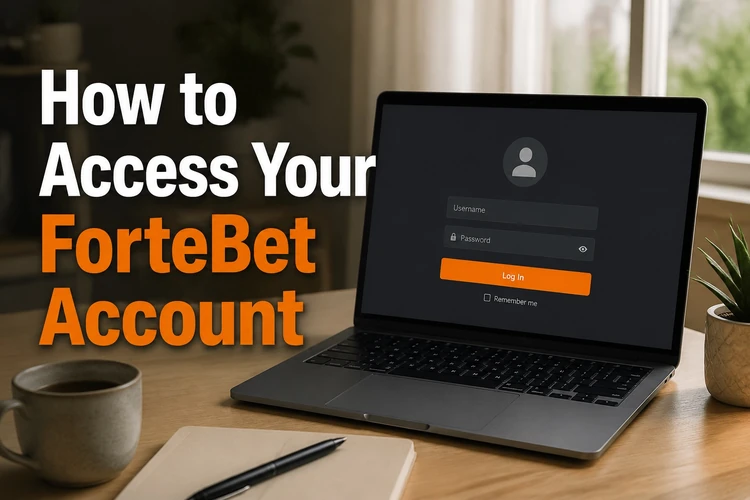
Enter the number in the format requested by the form, then type the password carefully, including its upper- and lower-case letters. If the page takes a moment to respond, wait instead of pressing the button repeatedly. Several failed attempts can result in a temporary block.
- Step 1: Open the official website and select the sign-in button.
- Step 2: Enter the phone number connected to your betting account.
- Step 3: Type the password and check it for spaces or typing errors.
- Step 4: Confirm the details and wait for the personal account page to load.
- Step 5: If access fails, use password recovery instead of guessing repeatedly.
Mobile ForteBet Login
The mobile version works through Chrome, Opera and other modern mobile browsers. The same sign-in fields are displayed vertically, while the odds, bet slip and account settings adapt to the smaller screen.
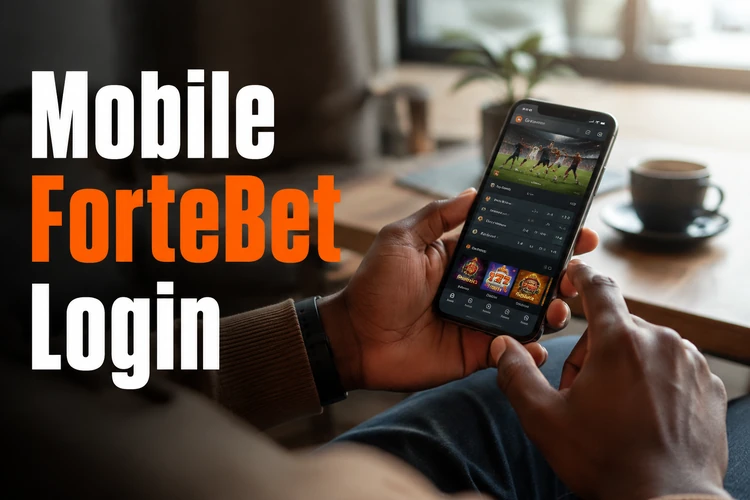
A weak connection can interrupt a session, so switch between mobile data and Wi-Fi when the signal is unstable. Players who want a home-screen shortcut can use the ForteBet app for Android with the same credentials. Avoid saving a password in a browser on a shared phone, and lock the device when you finish.
ForteBet Login Password
Use a unique password of at least eight characters with a mixture of letters, numbers and symbols. Avoid birthdays, phone numbers and simple sequences, and do not reuse the password from your email or social media accounts.
To change it, open the security area of your account settings, enter the current password and confirm the new one twice. For recovery, select Forgot password? on the sign-in form, provide the registered phone number and follow the SMS confirmation process. Recovery codes are single-use and should never be shared with anyone.
Open ForteBet Account and Complete Registration
Opening an account requires a mobile number, a password and personal details that match your identity document. Accurate information makes later account verification easier. Only adults may register; the service is limited to players aged 18+.
After the form is submitted, a confirmation code is sent by SMS. Entering it activates the profile and may provide a registration number, which support can use when reviewing a deposit, withdrawal or blocked login. Keep that number in a safe place. Registration is complete after the phone number and profile have been confirmed.
Registration Form Guide
The form normally asks for a mobile number, password, first and last name, date of birth and, depending on the version shown, city or currency details. Any promotional-code field is optional unless the form specifically marks it as required.
Use your full legal name and check every digit of the phone number before submitting. A wrong number can prevent the SMS from arriving. Common problems include creating a second profile, entering someone else’s identity details or mistyping the date of birth; these errors can delay identity verification later.
Common Login Problems
Most failed sign-ins have a simple cause. Check the details once, try password recovery when necessary and test a different browser before opening a support request.
- Incorrect password: Check Caps Lock, remove spaces added by autofill and type the password manually.
- Forgotten password: Request a reset code by SMS and create a new password after verification.
- Account locked: A series of failed attempts can trigger a temporary block. Wait before trying again, then reset the password.
- Browser issues: Clear cached data and cookies or test another current browser.
- Mobile issues: Update the browser, close unused tabs and make sure the phone has enough free storage.
- Connection problems: Move to a stable network and avoid submitting the form repeatedly while the page is loading.
If these steps do not help, contact support with the registered number and registration number. The contact page provides the available support route.
Security Tips
Treat your betting account like a mobile money wallet. Use a password that is unique to ForteBet, never disclose it or an SMS code, and sign out after using a shared phone or computer. Check the address bar before entering credentials so you do not submit them to an imitation site.

Review the phone number in your account settings occasionally and check your bet history for activity you do not recognise. Set a budget before placing bets and use the guidance on the responsible gambling page if you need help with limits or self-exclusion.
FAQ
Open the official website, select the sign-in button and enter the phone number linked to your account together with your password. After the details are accepted, your personal account page loads. There is no separate username.
Select Forgot password? on the sign-in form and enter your registered phone number. Follow the SMS confirmation process, then create a new password. Never share the recovery code.
Yes. Complete the registration form with your phone number, password and personal details, then confirm the profile with the SMS code. The process can be completed from a phone or computer.
It is an identifier connected to your profile after activation. Support may request it when reviewing a deposit, withdrawal or access problem. Check your account details and save it securely.
Yes. The mobile version works in a current mobile browser and uses the same credentials as desktop access. An Android app shortcut may also be available, using the same account details.
Creating an account and signing in do not require a fee. Funds are needed only when you decide to place a bet. Registration is limited to adults whose details can be verified.